TaskTonic Framework: Developer Documentation
1. Philosophy & Metaphor
TaskTonic is a Python framework designed to manage application complexity through a unique concurrency model.
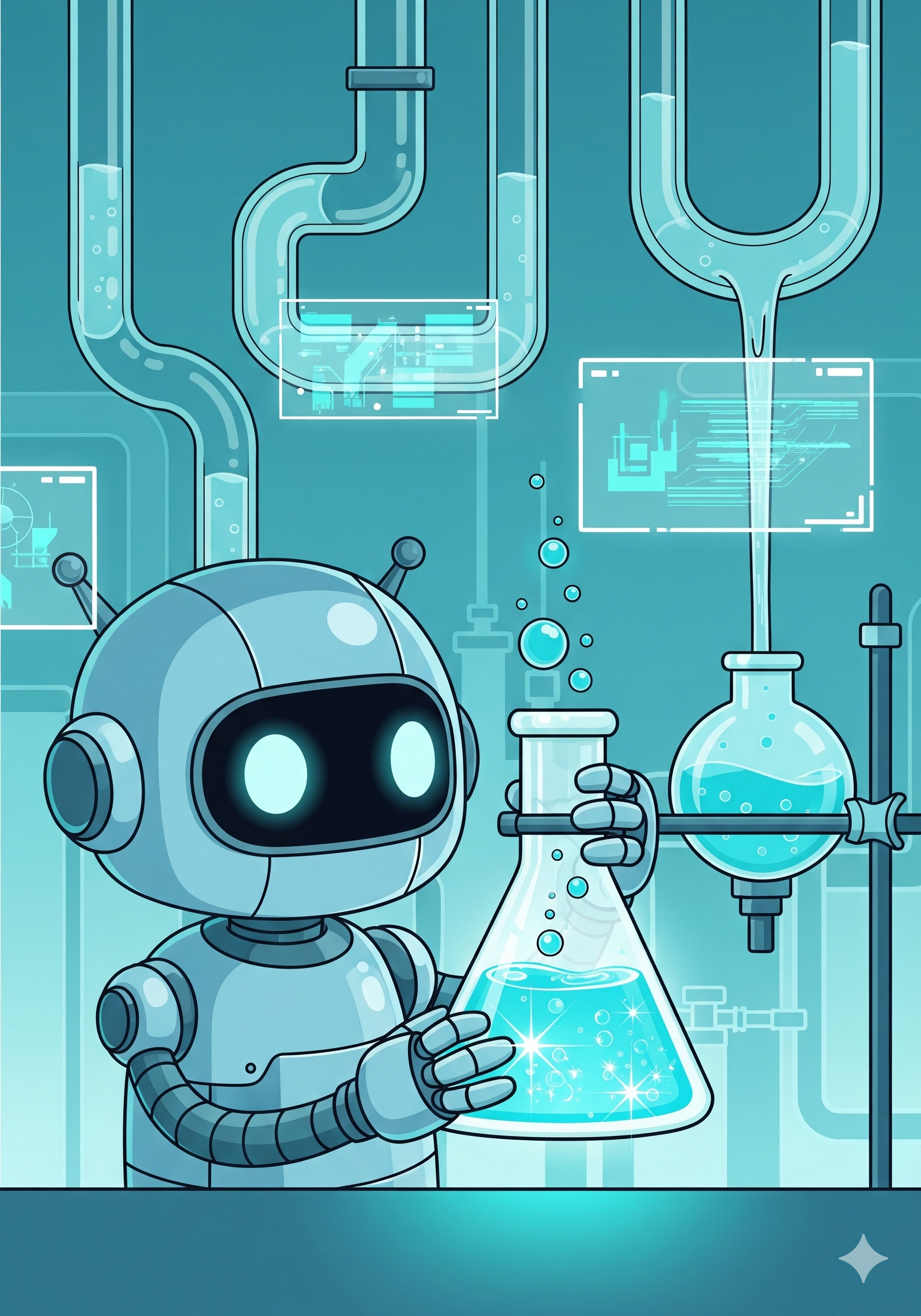
The core philosophy is based on the Tonic. Think of your running application as a glass of tonic. It comes to life through Sparkles, the bubbles rising in a liquid.
- The Flow: Code is executed in small, atomic units called Sparkles.
- The Fizz: When these Sparkles flow continuously, the application "fizzes" with activity. It feels like a single, cohesive whole, even though it may be performing multiple logical processes simultaneously.
- The Rule: A Sparkle must be short-lived. If one bubble takes too long to rise (blocking code), the flow stops, and the fizz goes flat. In practice, this is rarely an issue, as most software processes are reactive chains of short events.
This architecture allows you to write highly responsive, concurrent applications (like UIs or IoT controllers) without the race conditions and headaches of traditional multi-threading. And as a bonus testing and documenting is integrated the easy way.
2. Core Architecture
The framework is built on a strict hierarchy of classes.
| Component | Class | Description |
|---|---|---|
| Liquid | ttLiquid |
The base substance. It handles identity, hierarchy (parent/child relationships), and lifecycle management in the Ledger. It is the passive foundation. |
| Tonic | ttTonic |
The active ingredient. Inherits from ttLiquid. It adds the ability to "sparkle" (execute code), manage state (State Machines), and log activity. |
| Catalyst | ttCatalyst |
The engine that makes the Tonic fizz. It owns the execution thread and the queue. It pulls Sparkles one by one and executes them. |
| Formula | ttFormula |
The recipe. The entry point of your application where you define the initial mix of Tonics and configuration settings. |
| Distiller | ttDistiller |
The test and documentation engine. Write testscripts and know your fizz. |
3. The Tonic (ttTonic)
The ttTonic is where you write your application logic. It uses introspection to automatically bind your methods to the execution queue based on their names.
3.1 Sparkle Naming Convention
You do not register callbacks manually. You simply name your methods using specific prefixes. Every prefix starts with tts, it is a TaskTonic Sparkle.
ttsc__(Command): Public Command. Call this to request an action from outside the class.- Example:
my_tonic.ttsc__start_process()
- Example:
ttse__(Event): Public Event. Call this to react to an event (like a timer or UI click).- Example:
ttse__on_timer(info)
- Example:
tts__, or_tts__(Sparkle): Internal. Private logic chunks used to break up large tasks.- Example:
self.tts__step_two()
- Example:
_ttss__(System): Reserved for framework lifecycle hooks (startup/shutdown).
Important: When you call a sparkle method (e.g.,
self.tts__calculate()), it does not execute immediately. It places a "bubble" (work order) on the Catalyst queue. It will be executed when the Catalyst reaches it in the stream.
3.2 State Machines
Every ttTonic is a built-in State Machine. You can organize your code by defining which Sparkles are valid in which state.
Changing State:
Use self.to_state('new_state_name').
State-Specific Sparkles:
You can prefix a Sparkle with a state name: prefix_state__name.
- Specific:
ttsc_idle__open()— Only runs if the Tonic is in theidlestate. - Generic:
ttsc__open()— Runs in any state (unless a specific version exists). - Fallback: If called in a state where no handler exists, the call is ignored (the bubble pops harmlessly).
3.3 Lifecycle & Termination
To ensure proper cleanup and hierarchy management, you must use the framework's lifecycle methods.
ttsc__finish(self): The Stop Command. Call this to stop the Tonic. It initiates the graceful shutdown sequence:- Stops the State Machine (transitions to
-1). - Sets the Tonic to "Finishing Mode" (ignoring new standard sparkles).
- Triggers the
ttse__on_finishedevent. - Cleans up children/infusions and removes the Tonic from the Ledger.
- Stops the State Machine (transitions to
ttse__on_start(self): Called immediately after the Tonic is created and initialized.ttse__on_enter(self): Called whenever entering a new state.ttse__on_exit(self): Called whenever leaving a state.ttse__on_finished(self): Called during the shutdown sequence (triggered byttsc__finish). Use this to close resources like files or sockets before the object is destroyed.
4. Timers and Flow Control
Since Sparkles must be short to keep the "fizz" alive, you cannot use time.sleep(). Instead, use the built-in Timers to handle time-bound logic.
from TaskTonic import ttTonic, ttTimerSingleShot

class MyProcess(ttTonic):
    def ttse__on_start(self):
        self.log("Starting process...")
        # Don't sleep! Schedule a sparkle for later.
        ttTimerSingleShot(seconds=2.5, sparkle_back=self.ttsc__continue)

    def ttsc__continue(self, info):
        self.log("2.5 seconds have passed. Continuing...")
        # Done with work? Stop the tonic.
        self.ttsc__finish()
5. Services (Singletons)
The framework uses the ttLiquid metaclass to manage Singleton Services effortlessly. A Service is a Tonic that exists only once but can be accessed from anywhere.
Defining a Service:
Set the _tt_is_service attribute.
class Database(ttTonic):
    _tt_is_service = "db_service" # Unique ID

    def __init__(self, **kwargs):
        # Runs ONLY once (first creation)
        super().__init__(**kwargs)
        self.connect_db()

    def _tt_init_service_base(self, context, **kwargs):
        # Runs EVERY time the service is requested
        self.log(f"Accessed by {base.name}")
Using a Service: Simply instantiate it. If it exists, you get the running instance.
# In any other Tonic:
my_db = Database() # Returns the existing Singleton
# In any other Tonic:
my_db = Database() # Returns the existing Singleton
6. Testing and documentation: the Distiller
No testing, no trusting. And that can be difficult in concurrent coding. Use the Distiller to test your Tonics and generate documentation.
from TaskTonic.ttTonicStore import ttDistillerFormula

class MyTestApp(ttDistillerFormula):
    # ... setup your test tonics ...
    pass

if __name__ == '__main__':
    app = MyTestApp()
    distiller = app.dist

    # Define your contract and run the test
    trace = distiller.sparkle(contract={
        'timeout': 5.0,
        'stop_match_count': 1,
        'tonics': {
            'Device_Fast': {
                'probes': ['cycle_count'],
                'stop_on_probe': {'cycle_count': 1}
            }
        }
    })

    # Initialize the Markdown Report
    distiller.md_create(title="Testing the Tonic")
    distiller.md_add_txt("Start app and run to the end. Watch trace for output.")
    distiller.md_add_trace_table(trace)
    print(distiller.md_get_output())
7. Example: The Traffic Light
This example demonstrates ttLiquid hierarchy, Sparkles, and State Machine logic.
from TaskTonic import ttTonic, ttFormula, ttTimerSingleShot, ttLog

class TrafficLight(ttTonic):
    def ttse__on_start(self):
        self.to_state('red')

    # --- State: RED ---
    def ttse_red__on_enter(self):
        self.log("STOP (Red)")
        ttTimerSingleShot(3, sparkle_back=self.ttsc__next)

    def ttsc_red__next(self, info):
        self.to_state('green')

    # --- State: GREEN ---
    def ttse_green__on_enter(self):
        self.log("GO (Green)")
        ttTimerSingleShot(3, sparkle_back=self.ttsc__next)

    def ttsc_green__next(self, info):
        self.to_state('yellow')

    # --- State: YELLOW ---
    def ttse_yellow__on_enter(self):
        self.log("CAUTION (Yellow)")
        ttTimerSingleShot(1, sparkle_back=self.ttsc__next)

    def ttsc_yellow__next(self, info):
        self.to_state('red')

class SimFormula(ttFormula):
    def creating_formula(self):
        return (
            ('tasktonic/project/name', 'TrafficSim'),
            ('tasktonic/log/to', 'screen'),
            ('tasktonic/log/default', ttLog.FULL),
        )

    def creating_starting_tonics(self):
        TrafficLight()

if __name__ == "__main__":
    SimFormula()
from TaskTonic import ttTonic, ttFormula, ttTimerSingleShot, ttLog
class TrafficLight(ttTonic):
def ttse__on_start(self):
self.to_state('red')
# --- State: RED ---
def ttse_red__on_enter(self):
self.log("STOP (Red)")
ttTimerSingleShot(3, sparkle_back=self.ttsc__next)
def ttsc_red__next(self, info):
self.to_state('green')
# --- State: GREEN ---
def ttse_green__on_enter(self):
self.log("GO (Green)")
ttTimerSingleShot(3, sparkle_back=self.ttsc__next)
def ttsc_green__next(self, info):
self.to_state('yellow')
# --- State: YELLOW ---
def ttse_yellow__on_enter(self):
self.log("CAUTION (Yellow)")
ttTimerSingleShot(1, sparkle_back=self.ttsc__next)
def ttsc_yellow__next(self, info):
self.to_state('red')
class SimFormula(ttFormula):
def creating_formula(self):
return (
('tasktonic/project/name', 'TrafficSim'),
('tasktonic/log/to', 'screen'),
('tasktonic/log/default', ttLog.FULL),
)
def creating_starting_tonics(self):
TrafficLight()
if __name__ == "__main__":
SimFormula()
🤖 AI-Assisted Development (ttContext)
TaskTonic is designed with AI-assisted development in mind. To help you prompt Large Language Models (like ChatGPT, Claude, or Gemini) effectively when building Tonics, we maintain a single, unified context file.
This file contains the complete blueprint, strict framework architecture, naming conventions, and the core source code of TaskTonic in one place, ensuring the do's and don'ts of the framework are always perfectly clear to your AI.
There are two ways to provide this context to your AI assistant:
- Direct URL (Recommended): Feed the following URL directly into your AI tool's prompt or knowledge base to instantly provide it with full expert knowledge.
-
URL:
http://ai.tasktonic.dev -
Download: Download the file and attach it to your AI prompt manually.
- Download ttContext.md ↗