Welcome to TaskTonic 🧪
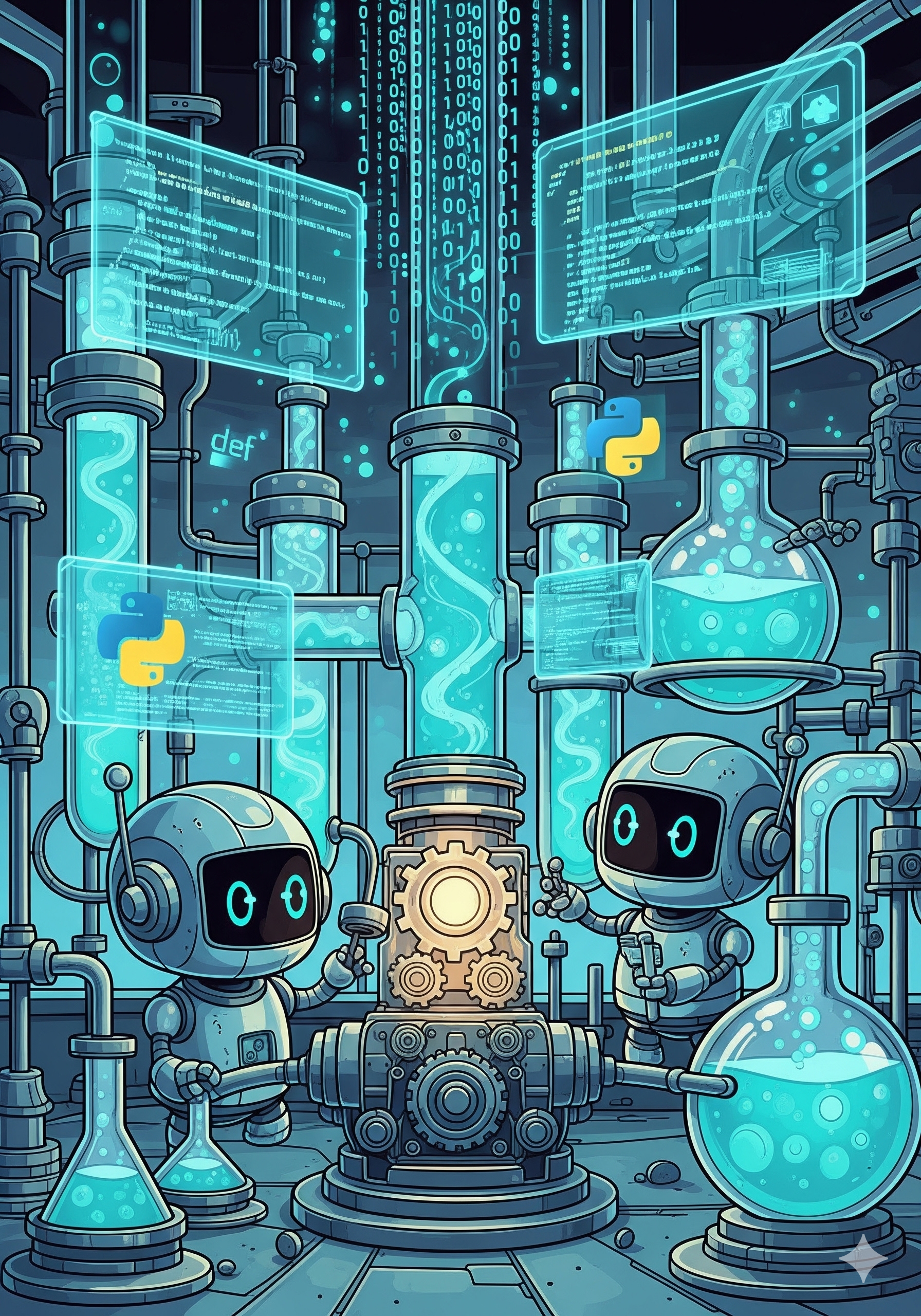
A Refreshing Approach to Python Concurrency.
TaskTonic is designed to eliminate the headaches of traditional Python concurrency. No more wrestling with complex asyncio loops, unpredictable threads, or deadlocking locks.
Philosophy & Metaphor
The core philosophy is based on the Tonic. Think of your running application as a glass of tonic. It comes to life through Sparkles, the bubbles rising in a liquid.
- The Flow: Code is executed in small, atomic units called Sparkles.
- The Fizz: When these Sparkles flow continuously, the application "fizzes" with activity. It feels like a single, cohesive whole, even though it may be performing multiple logical processes simultaneously.
- The Rule: A Sparkle must be short-lived. If one bubble takes too long to rise (blocking code), the flow stops, and the fizz goes flat.
This architecture allows you to write highly responsive, concurrent applications—like fluid UIs, complex simulations, or heavy IoT controllers—without the race conditions of multi-threading.
🚀 Quickstart
Get started immediately. Install TaskTonic via pip:
pip install tasktonic
Tip: TaskTonic comes with a built-in generator. Run python -m TaskTonic in your terminal to instantly create a starter file!
Hello World, the TaskTonic way
TaskTonic uses smart naming conventions (introspection) to automatically route your logic, eliminating complex threading boilerplate. To understand the code below, you only need to know three concepts:
ttFormula: The starting recipe. It boots up the engine, applies configuration, and launches your first workers.ttTonic: A stateful worker agent. Every Tonic has a built-in state machine.- Sparkles (
ttse__/ttsc__): Methods prefixed withttse__(Event) orttsc__(Command) don't run immediately. They are automatically placed on a safe, non-blocking queue.
Notice how clean the state transitions (to_state) and timer events (on_tm_step) are handled without a single if/else block!
from TaskTonic import *

class HelloWorld(ttTonic):
    def __init__(self, interval=1.5):
        super().__init__()
        self.interval = interval

    # ttse_ = TaskTonic Sparkle Event.
    # 'on_start' is automatically queued when this Tonic is created.
    def ttse__on_start(self):
        # Start a non-blocking background timer named 'tm_step'
        ttTimerRepeat(seconds=self.interval, name='tm_step')
        # Set the active state to "hello"
        self.to_state('hello')

    # Automatically runs when the Tonic enters the 'hello' state,
    # so this sparkle is executed right after ttse__on_start.
    def ttse_hello__on_enter(self):
        self.log('Hello world')
    # Now, the framework waits for a new command or event sparkle.

    # Automatically catches the 'tm_step' timer, ONLY when in the 'hello' state
    def ttse_hello__on_tm_step(self, tinfo):
        self.to_state('welcome')

    # Similar events, but in the "welcome" state with different behavior
    def ttse_welcome__on_enter(self):
        self.log('Welcome to TaskTonic')

    def ttse_welcome__on_tm_step(self, tinfo):
        self.to_state('ending')

    def ttse_ending__on_tm_step(self, tinfo):
        # Gracefully shut down this Tonic and clean up timers
        self.ttsc__finish()

# The Formula is the entry point that configures and launches your application
class MyApp(ttFormula):
    def creating_formula(self):
        return (
            ('tasktonic/project/name', 'HELLO WORLD'),
            ('tasktonic/log/to', 'screen'),
            ('tasktonic/log/default', ttLog.QUIET),
        )

    def creating_starting_tonics(self):
        # Create our first worker agent
        HelloWorld(1.5)

if __name__ == '__main__':
    MyApp()
📚 Explore the Examples
Want to see TaskTonic in action across different scenarios? We have a comprehensive collection of examples covering everything from PySide6 UIs and UDP communication to active data stores and state machine simulations.