The Engine of TaskTonic: Understanding the ttCatalyst
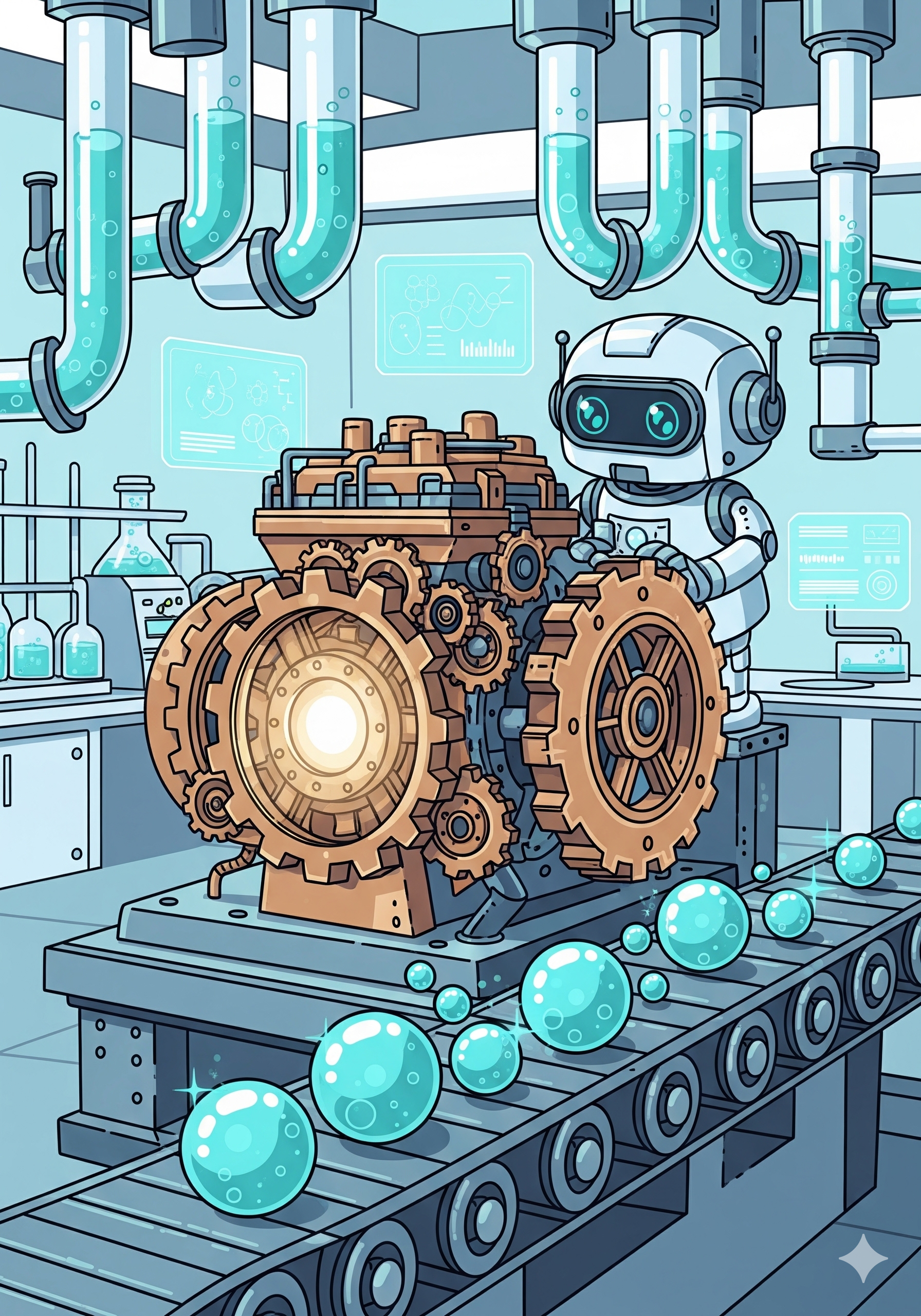
If a Tonic is a specialized worker on an assembly line, the ttCatalyst is the powerful engine that drives the conveyor belt. Its primary and most crucial function is to make Tonics "sparkle" by continuously processing a shared task queue.
To master TaskTonic, you need to understand what happens inside this engine, how to configure it, and when to spawn new ones.
1. The Basics: A Catalyst is a Tonic
An elegant part of the TaskTonic architecture is that ttCatalyst inherits directly from ttTonic.
This means a Catalyst is not just a dumb loop; it is a fully-fledged agent.
- It has a lifecycle: It starts up, can have its own state machine, and shuts down gracefully.
- It can be used as a Tonic: You can add your own application logic directly to a custom Catalyst.
- It cleans up after itself: When the last Tonic registered to a Catalyst finishes, the Catalyst determines its job is done and automatically initiates its own shutdown sequence.
2. The Core: tt_main_catalyst
Every TaskTonic application requires at least one Catalyst, known as the Main Catalyst.
* It is strictly identified by the name tt_main_catalyst and always holds id = 0.
* Unlike other Catalysts, the Main Catalyst runs its loop in the main application thread, blocking the standard execution flow to keep your application alive.
* It is defined in your ttFormula via the creating_main_catalyst() method. By default, the Formula simply spawns a standard ttCatalyst.
3. Under the Hood: The sparkle() Loop
When you call start_sparkling(), the Catalyst enters its main while loop. Here is exactly what happens in that loop:
- Timer Check: It looks at the list of registered timers and calculates
next_timer_expire—the exact amount of time until the nearest timer needs to fire. - Queue Wait: It calls
get(timeout=next_timer_expire)on its master queue (catalyst_queue). The thread goes to sleep, consuming 0% CPU, until either a task arrives or the timer expires. - Execution: If a task (work order) is pulled from the queue, it unpacks the payload and calls the internal
_execute_sparklemethod on the target Tonic. - Extra Sparkles: After executing the main task, it rapidly drains any
extra_sparkles(like immediate state transitions:on_exit->on_enter) before returning to the start of the loop.
The Catalyst Queue: What exactly is in it?
The catalyst_queue is a standard Python queue.SimpleQueue. A single "work order" payload placed on this queue contains:
* The instance of the target Tonic.
* The sparkle method to execute.
* The args and kwargs (parameters).
* The source (who called this sparkle, tracked via the ttSparkleStack).
4. Trade-offs: Using Multiple Catalysts
Because any Catalyst created after the Main Catalyst automatically spawns its own background thread, you can easily distribute workloads.
Why you might want to use your own Catalyst:
* Thread Independence: A new Catalyst runs in its own thread. If the tt_main_catalyst is heavily bogged down by UI repaints or a busy Tonic, your independent Catalyst remains hyper-responsive.
Why you should be careful (The Drawbacks):
* The Deepcopy Penalty (Slower): TaskTonic guarantees data immutability. If Thread A calls a Sparkle on a Tonic managed by Thread B (a different Catalyst), the framework detects the thread crossing. To prevent race conditions, it uses copy.deepcopy() on all args and kwargs before placing them on the queue. (Framework detail: The engine smartly skips callables like functions and methods during this process, making cross-thread callback routing highly robust!) This deep copy is completely safe, but it introduces overhead and is slower than running in the same Catalyst.
* Thread Bloat: Spawning a new Catalyst for every single Tonic defeats the purpose of the framework. You fall back into the trap of managing a mess of OS threads.
Best Practice: Use a separate Catalyst for a self-contained module or Service that manages a whole tree of sub-Tonics (infusions). Do not spawn a new Catalyst for a single, lightweight Tonic.
5. Advanced: Creating a Custom Catalyst Class
Because ttCatalyst is just a class, you can subclass it. Why would you write your own Catalyst engine?
A. High-Speed Custom Queues & Interfaces (The SelectorHandler Pattern)
Standard queues use time.sleep or thread locks to wait. For ultra-fast I/O (like IP communication), you want to use OS-level selectors so your application sleeps efficiently until the operating system detects incoming network data.
The TaskTonic framework allows you to override the new_catalyst_queue() method and the sparkle() loop to bridge the gap between Python queues and OS sockets. This is exactly how the built-in SelectorHandler (found in TaskTonic.ttTonicStore.ttIpSockets) operates.
- Custom Queue: It overrides
new_catalyst_queuewith aMyNotifyingQueue. Whenever a standard Sparkle is put onto this queue, it also sends a single byte of data to a hidden internal socket pair (_queue_filled_notify_channel). - Custom Loop: The standard
sparkle()loop is overridden. Instead of blocking onqueue.get(), it blocks onselectors.select(). - Result: The Catalyst wakes up instantly if either network data arrives on an IP port, or if another Tonic drops a Sparkle into the queue.
import queue
import selectors
from TaskTonic import ttCatalyst

class SelectorHandler(ttCatalyst):
    def new_catalyst_queue(self):
        class MyNotifyingQueue(queue.SimpleQueue):
            def __init__(self, catalyst, *args, **kwargs):
                super().__init__(*args, **kwargs)
                self.catalyst = catalyst

            def put(self, item):
                super().put(item)
                try:
                    # Wake up the OS selector by writing to an internal socket pair
                    self.catalyst._queue_filled_notify_channel.send(b'1')
                except Exception:
                    pass

        return MyNotifyingQueue(self)

    def sparkle(self):
        self.sparkling = True
        while self.sparkling:
            # Block at the OS level, not the queue level!
            events = self.selector.select(timeout=next_timer_expire)

            for key, mask in events:
                # Handle incoming network I/O events...
                pass

            # Check the queue for standard TaskTonic sparkles afterwards
            try:
                instance, sparkle, args, kwargs, source = self.catalyst_queue.get_nowait()
                instance._execute_sparkle(sparkle, *args, **kwargs)
            except queue.Empty:
                pass
B. Heavy Data Processing & The Blocking Problem (e.g., NumPy)
A common concern for developers adopting TaskTonic is: "If sparkles cannot be interrupted, won't heavy data processing freeze my entire application?"
First, it is crucial to differentiate between waiting and processing. Much of what we consider "slow code" is simply waiting for I/O, network responses, or disk access. In TaskTonic, you should never block a thread for waiting; you solve this elegantly using Timers or non-blocking selectors (as seen above).
However, true CPU-bound tasks—like running massive numpy matrix calculations, image analysis, or complex simulations—will legitimately block the thread. If you run this on the Main Catalyst, your entire application (and UI) will freeze.
The Solution: The Dedicated Worker Catalyst
You solve this by spinning up a custom ttCatalyst specifically for the heavy lifting, acting as an infusion or service to your main application.
- The parent Tonic sends a command (e.g.,
ttsc__crunch_data) to the dedicated worker Catalyst. - The worker Catalyst executes the sparkle and blocks its own thread while
numpyprocesses the data. - The Main Catalyst continues to run flawlessly, keeping your UI and other Tonics highly responsive.
- When the math is done, the worker Catalyst sends an event sparkle (e.g.,
parent.ttse__on_data_ready(result)) back to the parent.
from TaskTonic import ttCatalyst, ttTonic

class MathWorker(ttCatalyst):
    def ttsc__crunch_numbers(self):
        self.log("Starting heavy NumPy processing...")
        # This blocks THIS Catalyst's thread, but the Main Catalyst stays responsive!
        # import numpy as np ... heavy math here ...
        result = 42

        # Send the result back to the parent that created us
        self.base.ttse__on_math_done(result)

class MainApp(ttTonic):
    def ttse__on_start(self):
        # Spawns the worker in its own dedicated thread!
        self.worker = MathWorker()
        self.worker.ttsc__crunch_numbers()
        self.log("Worker is busy, but I am still free to react to UI events!")

    def ttse__on_math_done(self, result):
        self.log(f"The heavy lifting is done! Result: {result}")
Handling Giant Data Blocks (Avoiding the Deepcopy Penalty):
As mentioned earlier, crossing Catalyst boundaries triggers a deepcopy on arguments. Passing a 2GB NumPy array through a Sparkle argument will cause a massive performance hit.
The Workaround: Share large datasets using the ttStore, or wrap the data in a custom object/callable that tricks or prevents the deepcopy mechanism.
Crucial Warning: If you bypass the deepcopy to share memory across threads, you are responsible for strict data discipline. You absolutely must not mutate that shared data in the parent Tonic while the worker Catalyst is processing it!
The Dask Alternative (Asynchronous Chunking):
Because a Sparkle cannot be interrupted while executing, a massive C-level NumPy calculation cannot be easily cancelled or split once started. If your application requires cancelling long calculations or keeping memory usage low, you should consider using Dask instead of raw NumPy. Dask chunks arrays and dataframes under the hood. This chunking philosophy fits perfectly with TaskTonic's queue-based approach, allowing your Catalyst to process smaller pieces of data sequentially while remaining highly responsive to cancellation sparkles (ttsc__cancel) in between the chunks!